Nibo and Mika: What DealInSec's Two AI Helpers Actually Do for a Freelancer
On this page (6 sections)
If "AI helpers" sounds like marketing, here is the plain version. DealInSec has two, each with one job, and the only reason they exist is so a freelancer can say what they want in a sentence instead of learning a tool.
Quick answer: Nibo, the Lead Finder, finds potential clients and researches them, saving the qualified ones to Leads with evidence. Mika, the Message Writer, writes one first message for each lead from verified facts. You read it, copy it or open it in Gmail or WhatsApp, and send it yourself. They ask before using one of your searches, and never send, pay or sign.
Nibo, the Lead Finder
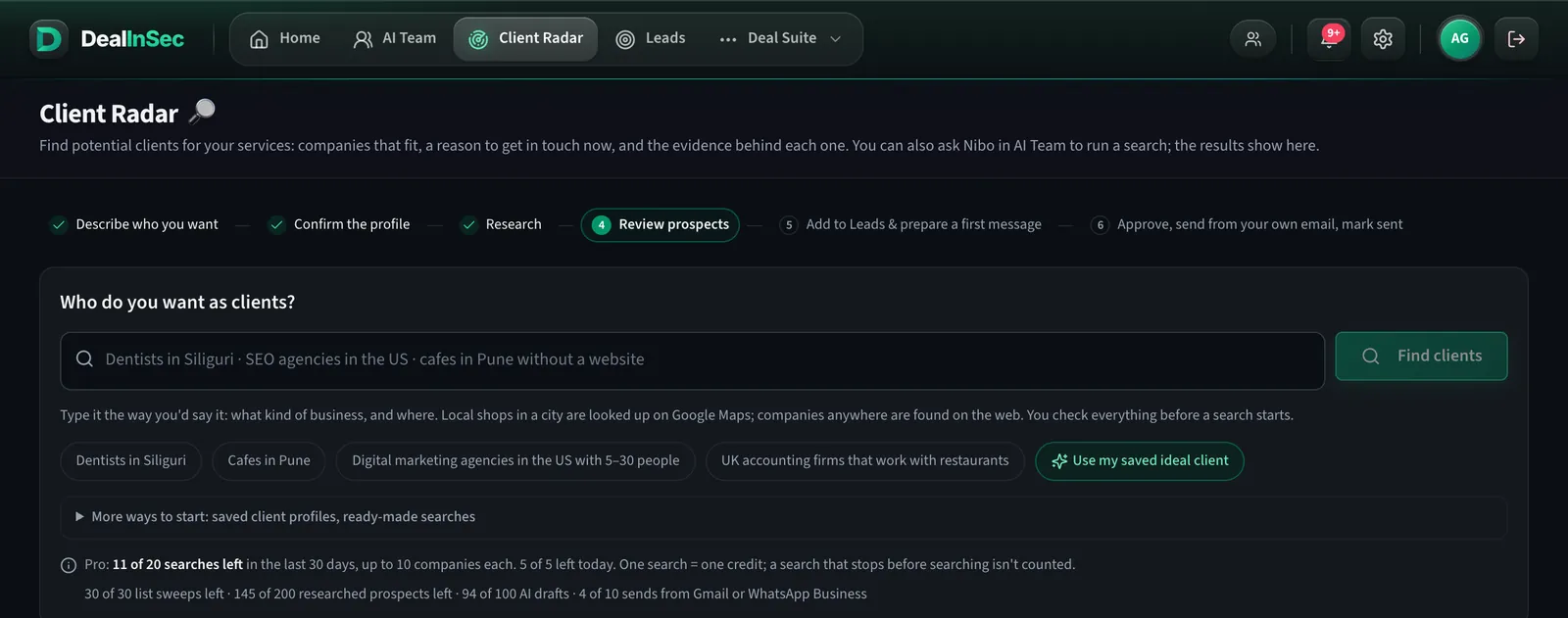
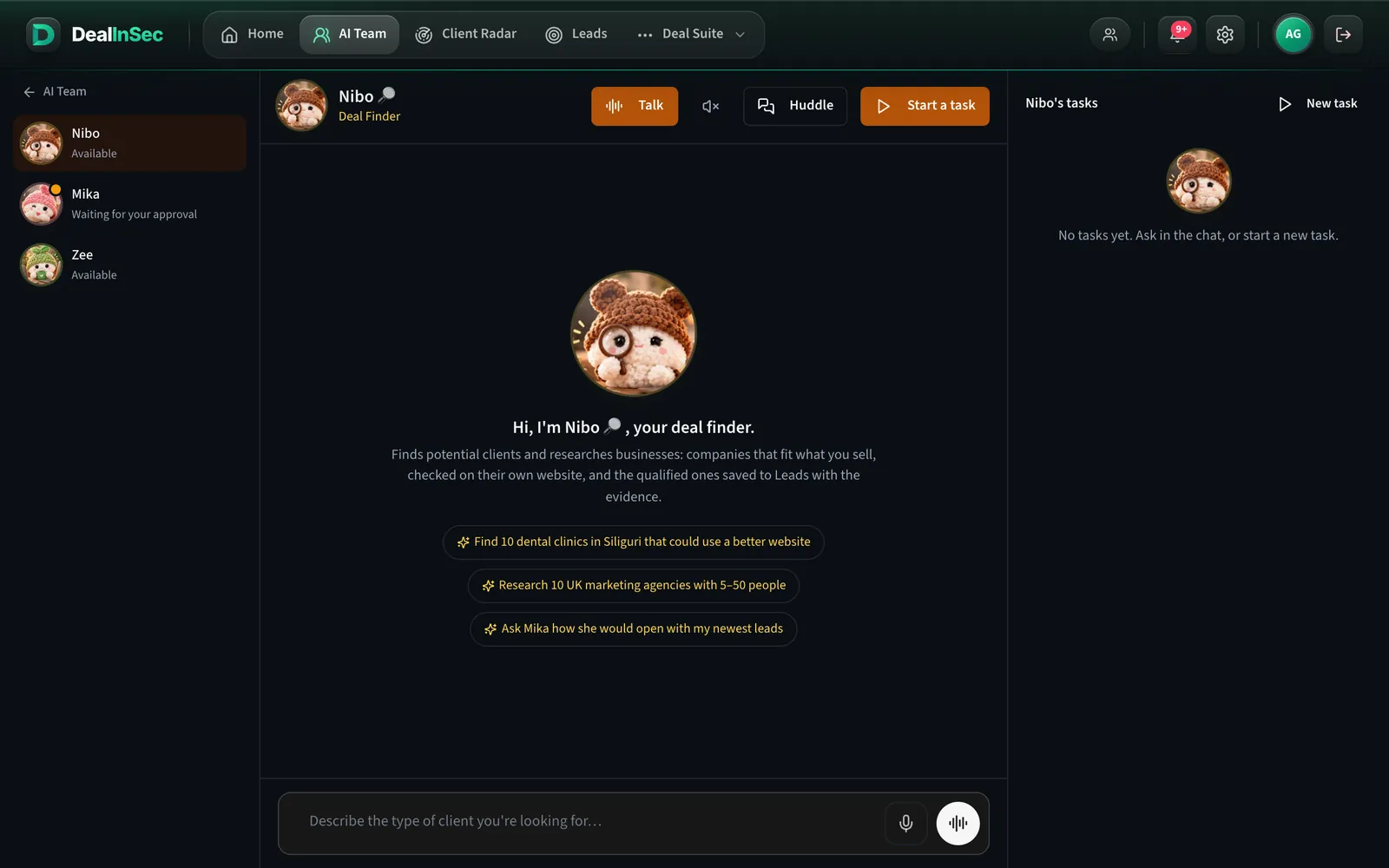
Tell Nibo who you want in plain words: find ten dental clinics in Siliguri that could use a better website. Nibo runs a Client Radar search (it uses one search from your plan, and tells you so before it starts), reads the companies' websites, and saves the ones that fit to Leads with the evidence attached. It can also start from a saved client profile, so a repeat search is one message.
Mika, the Message Writer
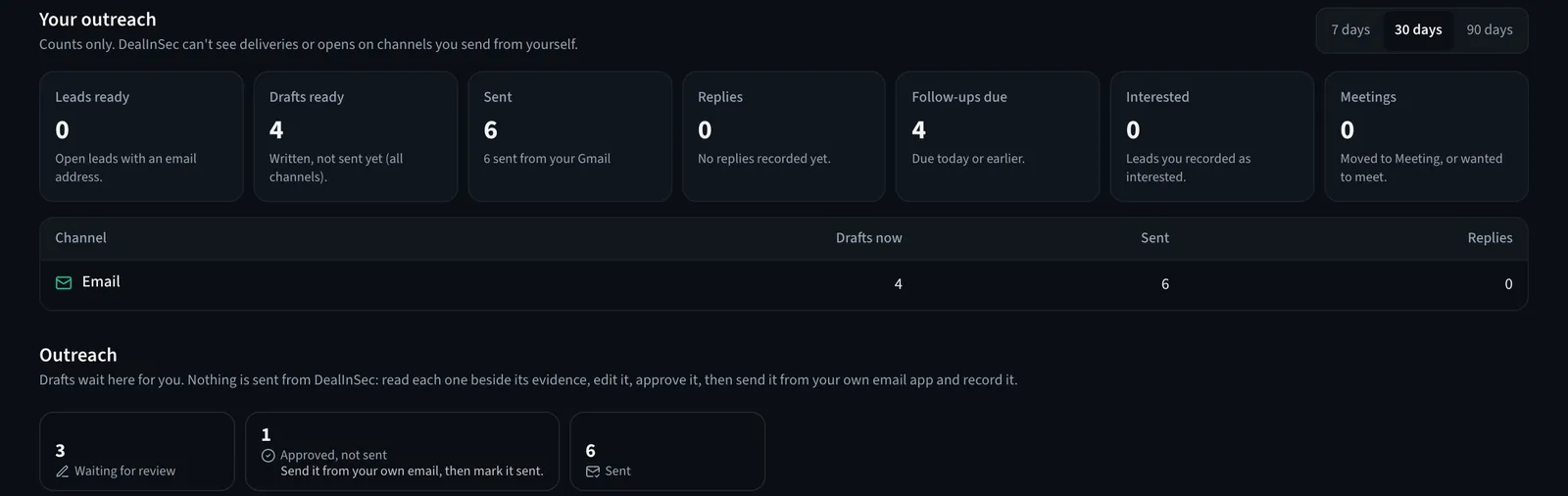
Mika writes the first message. Every draft is built only from what was verified about that company and from the ideal-client profile you saved in Settings, which is the one place Mika is allowed to describe you from. Open the lead, press Write message, read the draft and change anything you like. Then press Copy message, or open it in Gmail or WhatsApp with the text filled in. Nothing leaves until you send it yourself.
What "asks first" means
Anything that spends your allowance shows up as a question before it happens, with the cost in plain words. Nibo will tell you "this will use 1 of your searches" and wait for your yes.
What they never do
- Send an email, a WhatsApp message or anything else.
- Pay, refund, sign or accept anything.
- Delete records or edit your documents.
- Promise a client. A helper that finds four fitting companies will say four, not ten.
How to use them in your first week
- Day 1: ask Nibo for one search in your own words. Read what it saved to Leads and why.
- Day 2: pick two qualified leads and press Write message on each. Edit, copy, and send from your own email or WhatsApp.
- After that: repeat with a new search whenever you want more clients. That is the whole habit.
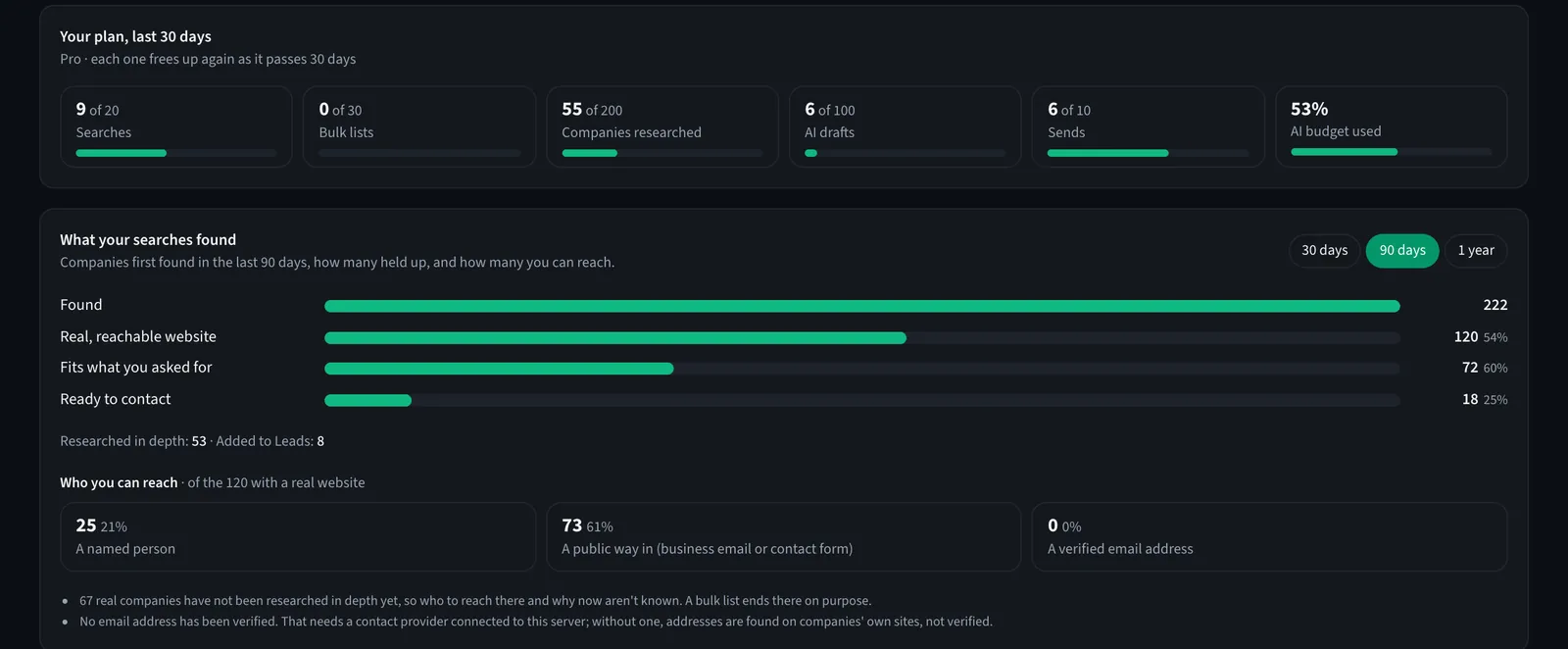
The allowances are the same ones the rest of the app uses: 5 helper tasks every 30 days on the free plan, 60 on Pro, with Nibo's searches drawn from your Client Radar allowance.
Nibo finds, Mika writes. Free plan: 5 helper tasks every 30 days, and nothing is ever sent for you.
The two of them are not a replacement for you. They are the slow parts, done in the background, so your time goes on reading evidence and talking to clients.
Frequently asked questions
Do I have to use Nibo and Mika, or can I just use Client Radar and Leads?
You can ignore them entirely. Client Radar and Leads work on their own. Nibo and Mika are the conversational way to do the same things: ask Nibo for a search in a sentence, ask Mika to write the first message.
What can they never do?
Send a message, pay anything, sign anything, delete your records, or spend your allowance without asking. A search that uses your allowance comes to you for a yes first.
How many helper tasks do I get?
The free plan includes 5 helper tasks every 30 days and Pro 60. A chat that only answers a question is cheap; a task that runs a search also uses a Client Radar search from your plan.
Is there a third helper, Zee?
Not any more. In November 2026 DealInSec was made simpler: Zee's daily briefings, voice calls, team huddles and scheduled tasks were taken out, so the product is two helpers and one job, which is getting you clients.